Skip to content

WHAT PEAKAI ACTUALLY DOES

A fitness buddy for what you eat and how you move.

We did not make a tracker. We made a fitness buddy who logs your food when you snap it, scores it against your goal, and remembers what you care about. Here is what the buddy does for you.

01 Snap and Say

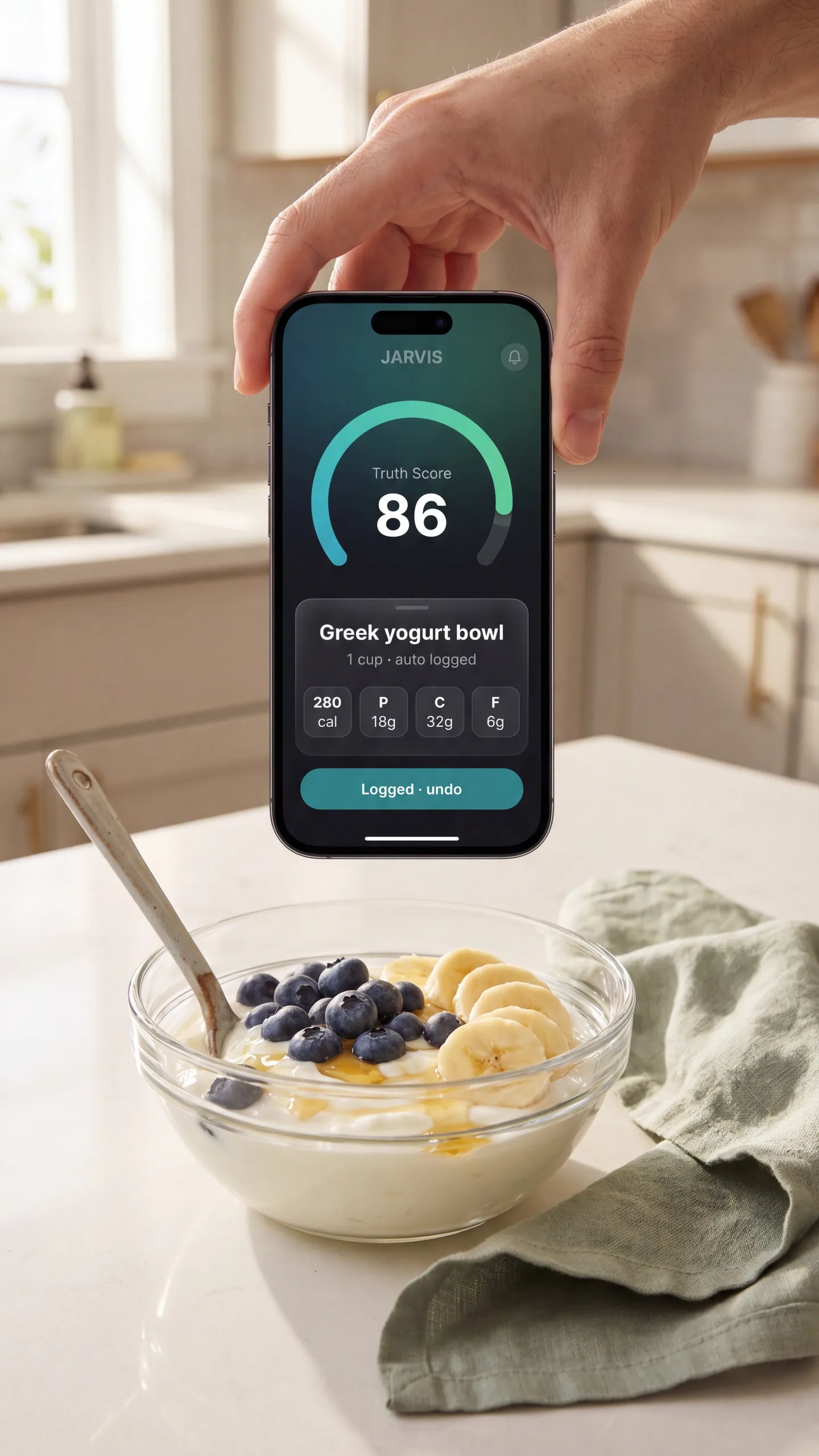
Snap your food. Say how much. JARVIS logs it.

It is lunchtime. You sit down with a yogurt bowl. You open the camera, point at it, say one cup. Three seconds later it is logged. Calories, protein, carbs, fat, Truth Score, all there. You did not type a single word. The typing tax that killed every food tracker you ever tried is gone.

What it does for you: You stop quitting the log on day three. You start actually finishing your meals in the app.

  • Snap any food, packaged or whole
  • Voice the quantity, one cup, one serving, two pieces
  • Truth Score on every entry
PeakAI JARVIS snap and say auto log result card with calories and macros
02 JARVIS Voice

Ask any food question. Out loud. Like you would a smart friend.

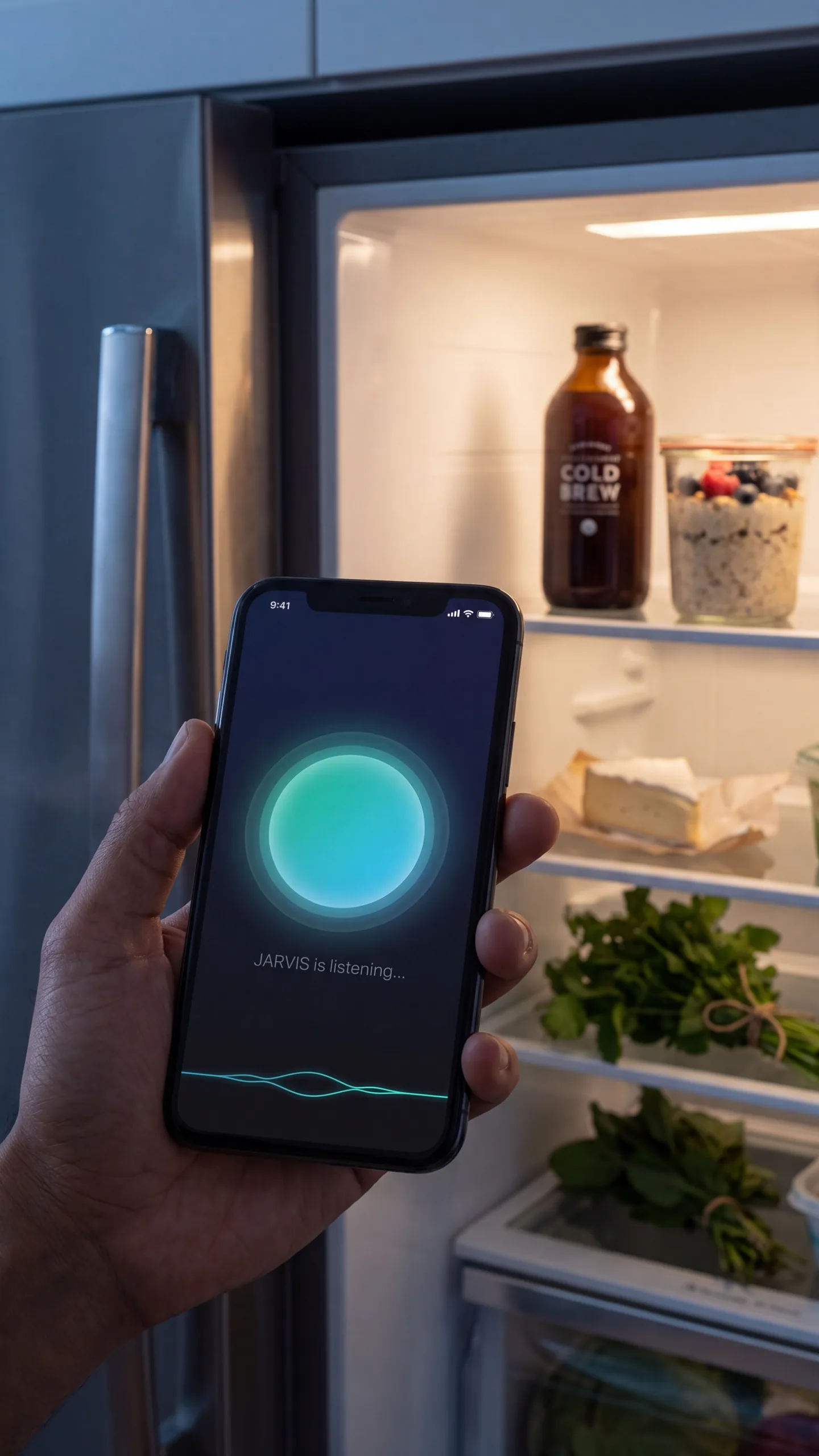
It is Tuesday night. You finished your run. You are starving and standing in front of the fridge. You hold your phone up and ask, what should I eat right now. JARVIS hears you, thinks for a second, and tells you. No typing, no scrolling, no figuring out the right search words. Just ask.

What it does for you: You stop second guessing. You start eating with a plan, even when your brain is tired.

  • Ask anything, out loud
  • Hands free
  • Talks back like a person, not a chatbot
JARVIS voice mode listening on a dark screen with a glowing orb
03 JARVIS Camera

Point your phone. JARVIS reads the label so you do not have to.

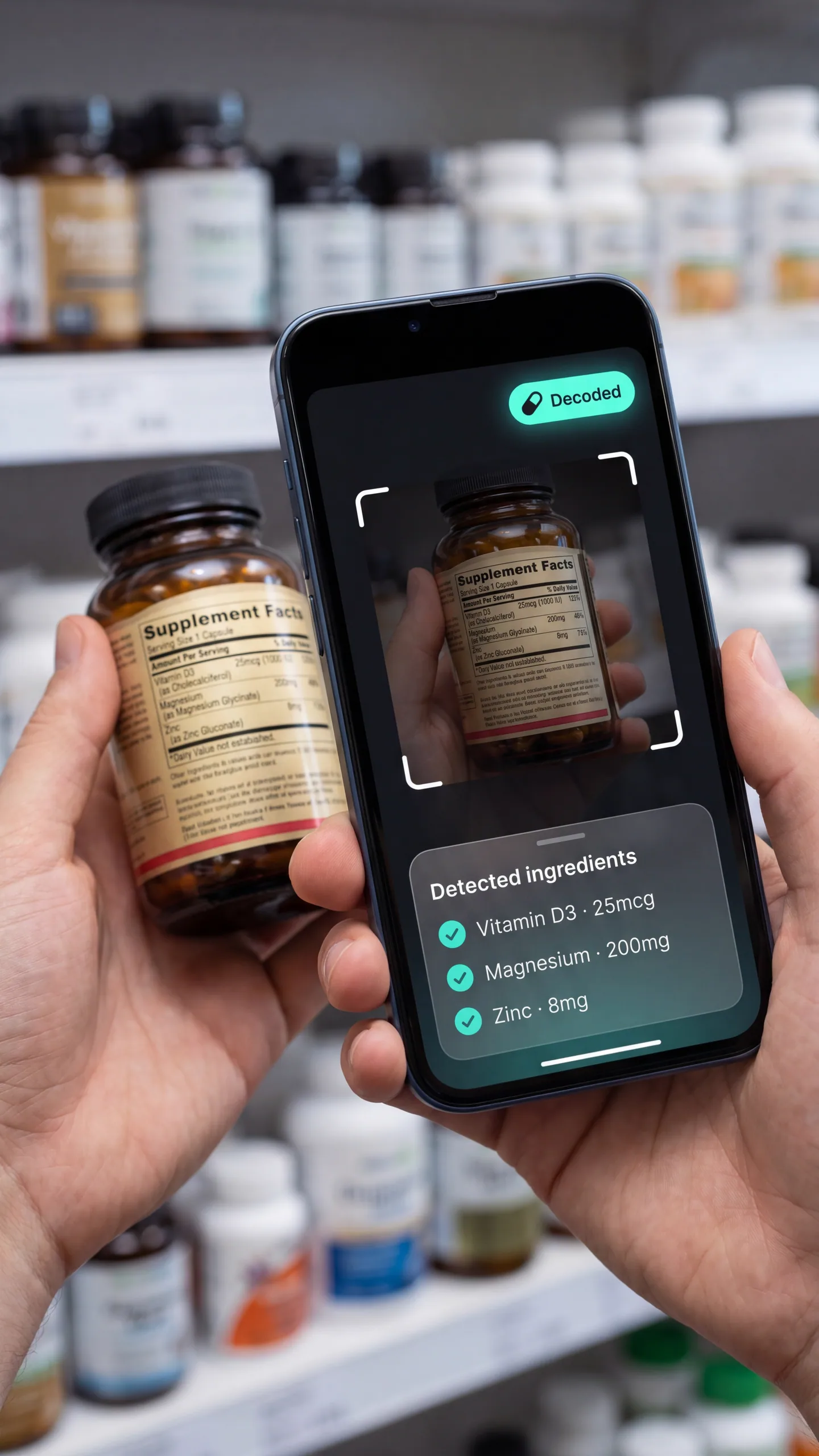
You are in the supplement aisle. Twenty bottles. Tiny print. You aim your phone at the back of one. JARVIS reads it, breaks it down in plain words, and tells you what is actually in it. You walk out with one bottle instead of three.

What it does for you: You stop buying things you do not need. You start trusting your own choices.

  • Reads labels for you
  • Works on supplements, food, recipes, your fridge
  • No more squinting
JARVIS camera focused on a supplement label with detected ingredients
04 JARVIS Menu Scan

Snap a restaurant menu. JARVIS picks the dish that fits your goal.

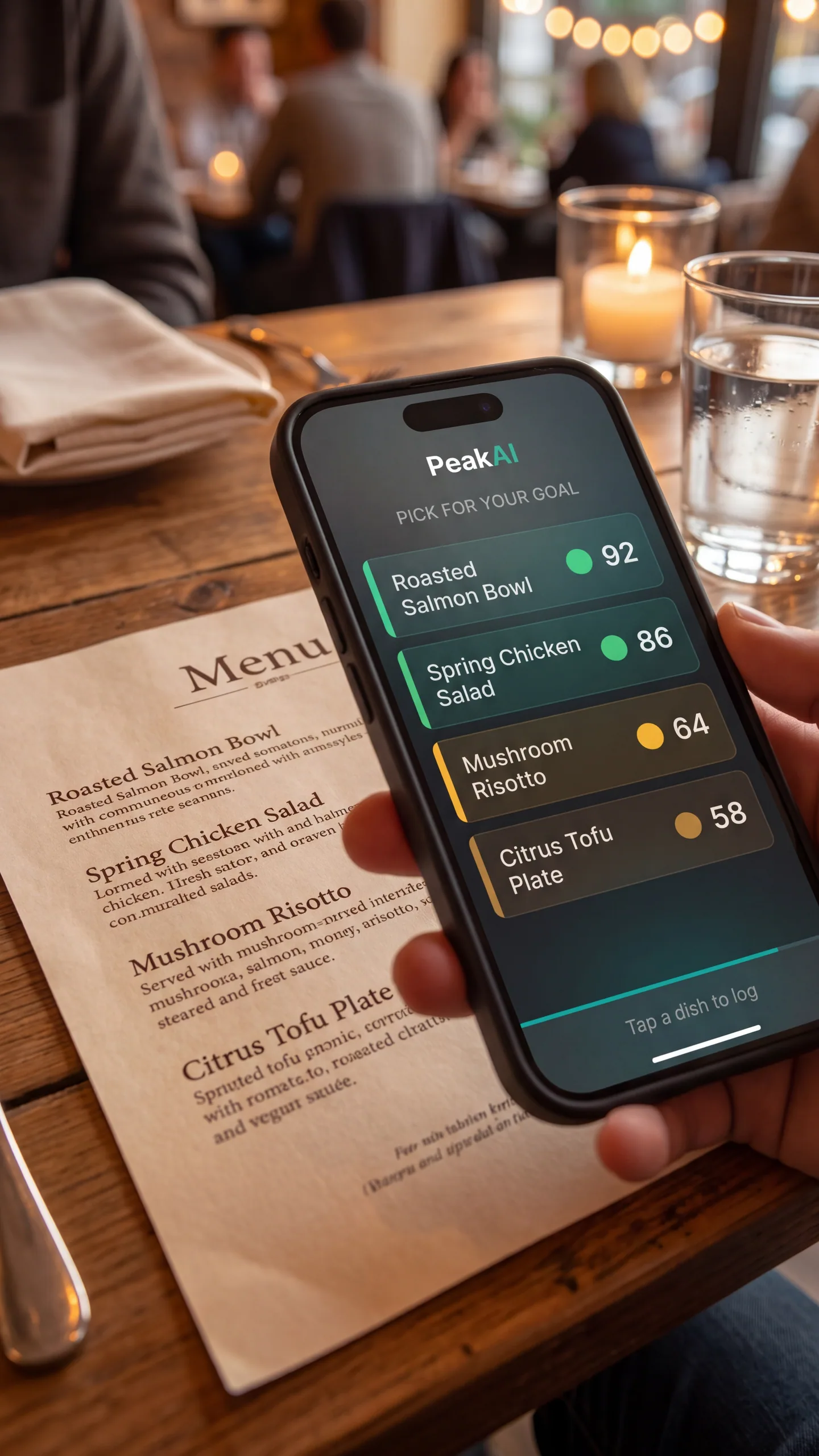
You are out for dinner with friends. The menu is two pages of poetry. You take a quick photo. JARVIS pulls every dish, lines up the macros, and points at the one that matches your goal. Five seconds. You order. You enjoy your night.

What it does for you: You stop dreading menus. You start saying yes to dinner out without losing the plot.

  • Photo to ranked dishes
  • Estimated macros per item
  • Edit, add, or remove anything before logging
JARVIS menu scan with dishes ranked by goal fit
05 JARVIS Memory

JARVIS remembers what you care about. Or forgets it the second you ask.

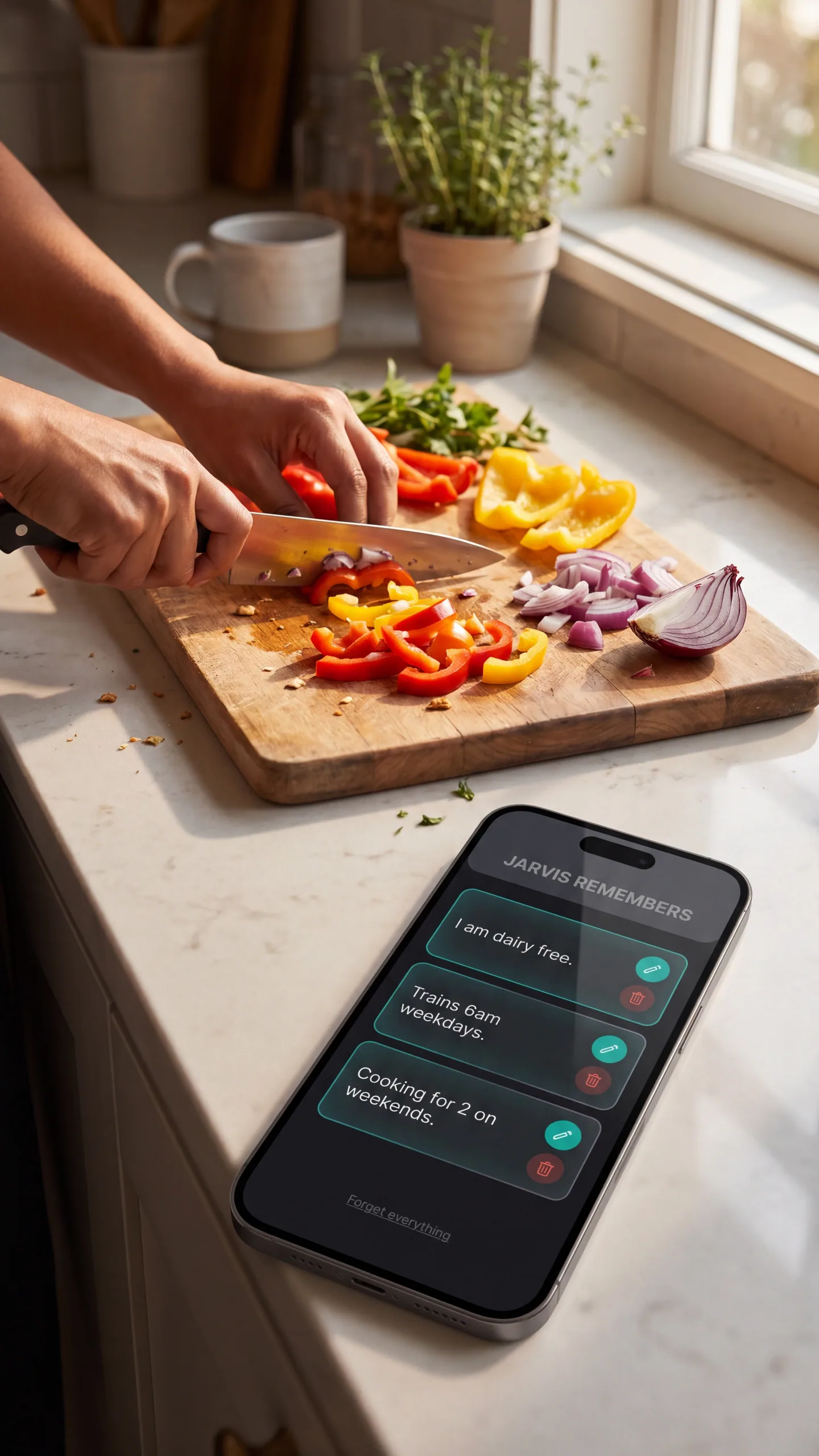
You tell JARVIS once, I am dairy free, I lift in the mornings, I am cooking for two on weekends. JARVIS keeps that. Next time you ask a question, it answers like a friend who actually knows you. Want to wipe it clean? One tap. Want to see what it remembers? One tap. You are in charge.

What it does for you: Every answer feels personal. Nothing feels surveilled.

  • See every saved fact
  • Edit any of them
  • Forget everything in one tap
JARVIS memory cards showing saved preferences with edit and delete buttons
06 Truth Score 2.0

The math behind every answer JARVIS gives you.

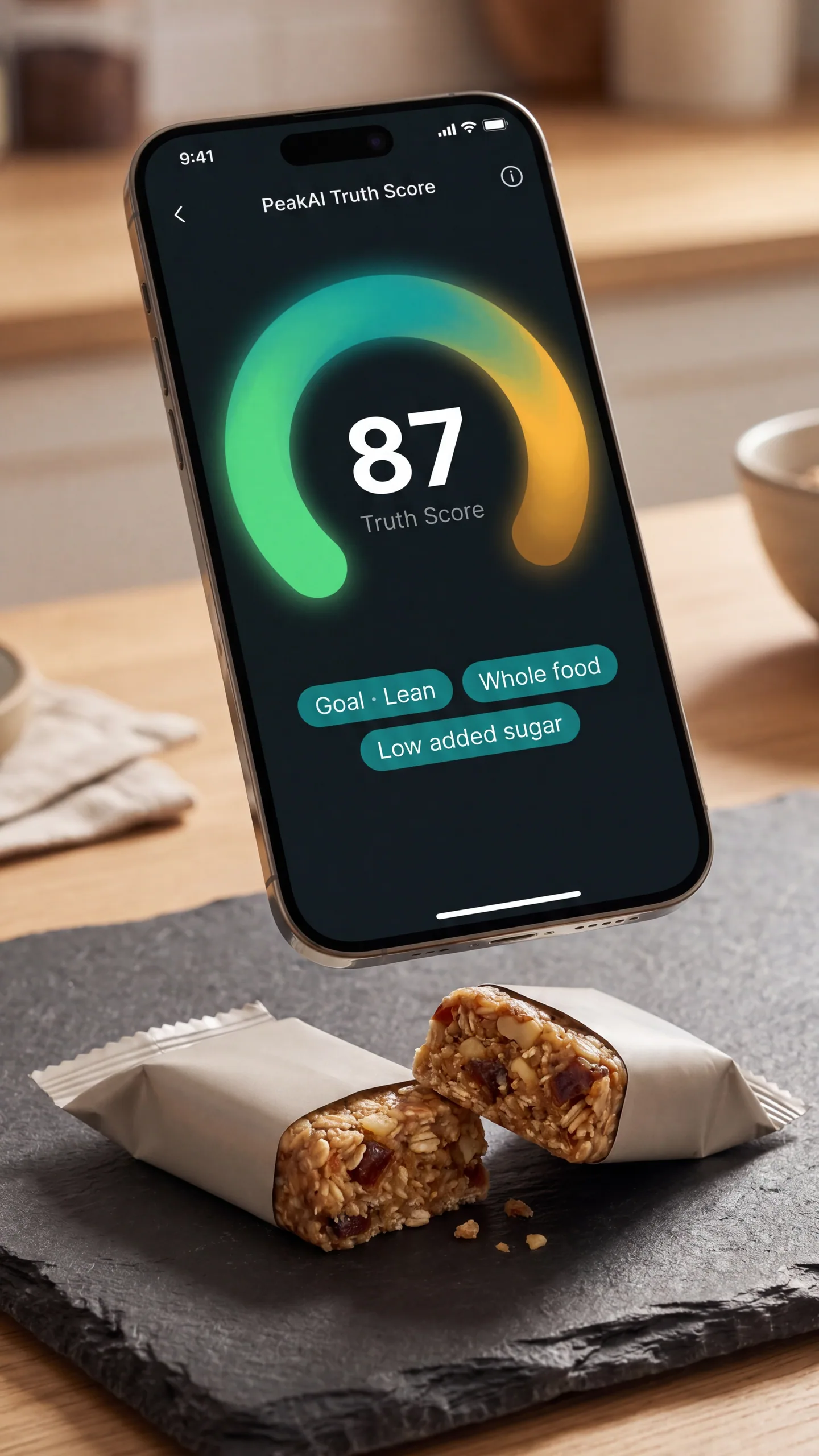
Two friends scan the same protein bar. One is training for a marathon, one is trying to eat a little cleaner. They get different scores, because the same food fits two people differently. The arc on screen tells you fast. Tap it, and the breakdown shows you exactly where each point came from. No black box. No magic. Just the math under the buddy.

What it does for you: You stop relying on the front of the box. You start seeing food the way a smart friend would.

  • Goal personalized
  • Color coded arc
  • Full breakdown on tap
PeakAI Truth Score arc circle showing a goal personalized score
07 Supplement Safety

Your supplement label, decoded. Backed by NIH data.

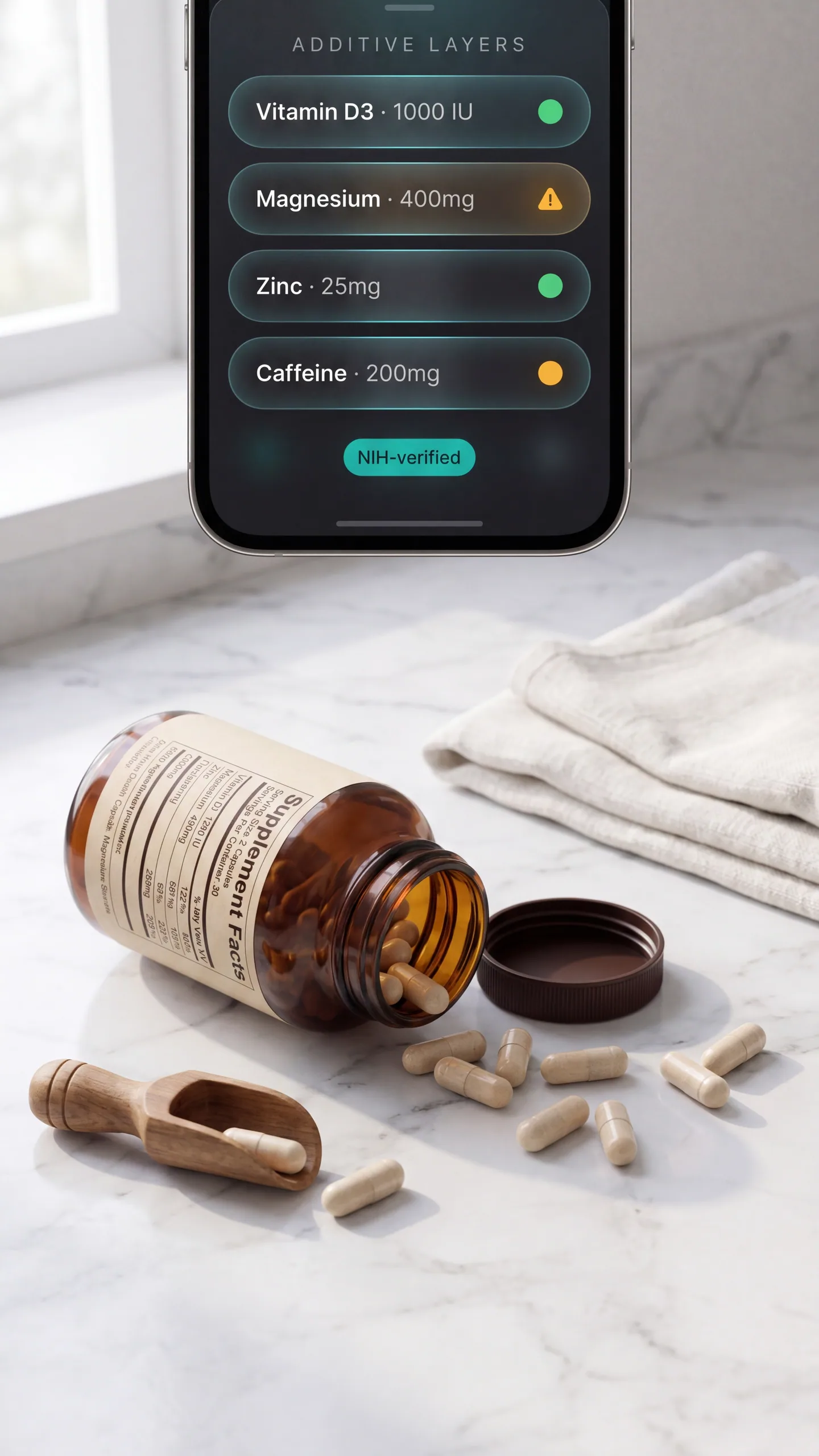
You bought a pre workout because the label said clean. PeakAI cross checks the label against the National Institutes of Health Dietary Supplement Label Database, then shows you the additive layers in plain sight. You see what is real, what is a sticker, and what is a mega dose worth a second look. You decide what to do with that.

What it does for you: You stop wasting money on bottles full of nothing.

  • NIH cross reference
  • Additive layer view
  • Mega dose flags so you can ask a real question

Informational only. PeakAI does not provide medical advice. Talk to a healthcare professional before starting any new supplement.

PeakAI supplement card with additive layer chips and dosage indicators
08 Daily Missions

Three little wins a day. The streak does the rest.

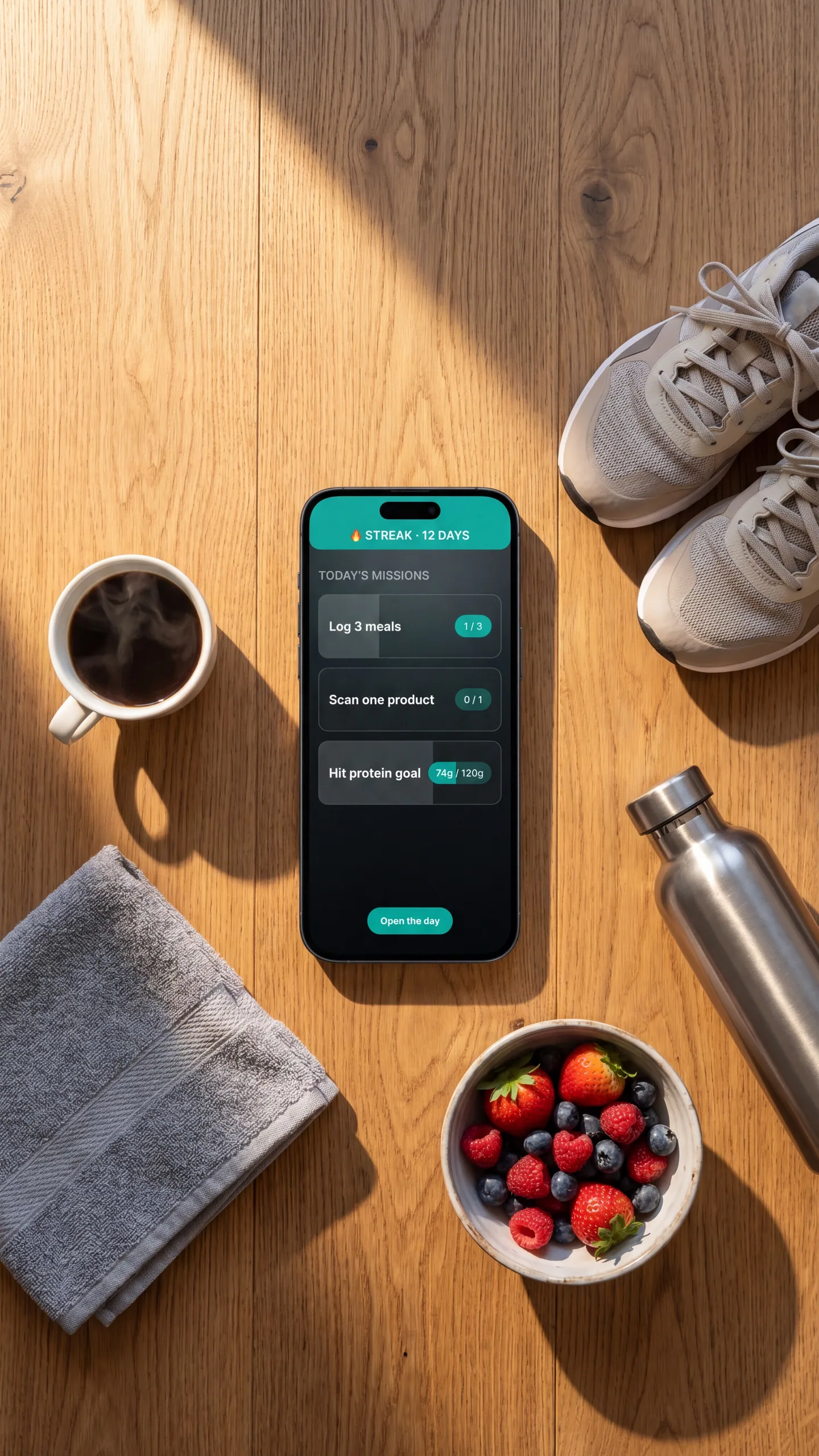
Open the app in the morning. Three missions waiting. Log three meals. Scan one product. Hit your protein goal. That is it. By dinner you are usually two for three. Hit them and the streak grows. Miss a day, the streak resets, and the app does not guilt you. Just tomorrow.

What it does for you: Showing up gets easier. Habits get sticky. The app feels like a small win, not a chore.

  • 3 daily missions
  • 7 XP levels
  • 12 achievements
  • Streak shields when you need a day off
PeakAI mission card with three daily missions and progress indicators
09 Privacy

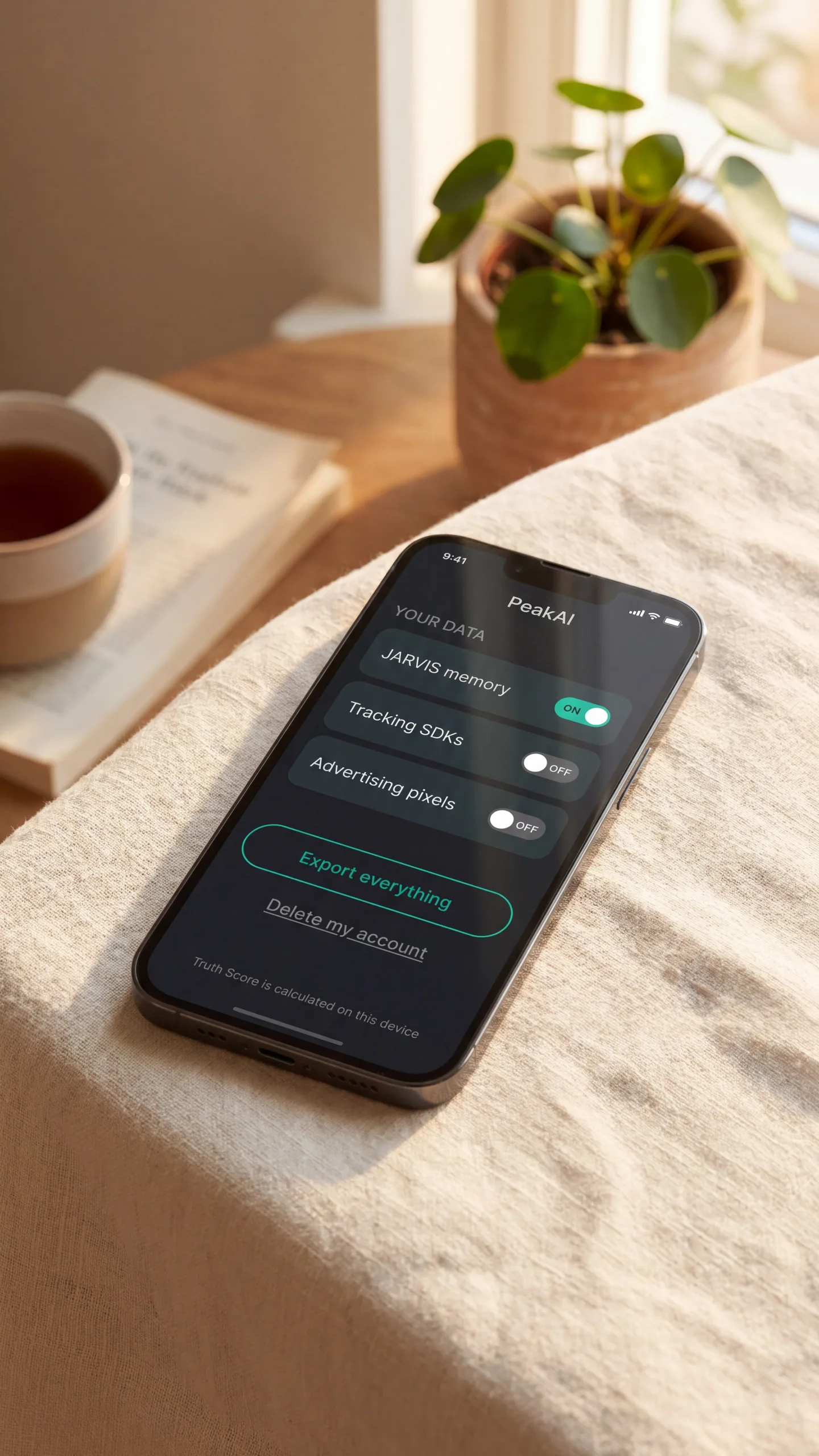
Your scans are yours. Your voice is yours. We do not sell either.

Voice is processed so JARVIS can answer you. Photos are processed so the camera and menu scan can work. Neither is sold. Neither trains an outside model. You can export everything you ever logged and delete your account in a single tap. The Truth Score is calculated on your phone, not in a stranger's data center.

What it does for you: You get a smart food brain without the creepy.

  • On device scoring for free tier
  • No advertising SDKs, no tracking pixels
  • Export and delete in one tap
PeakAI privacy and data export screen

Open the app. Try it for a week. See what changes.

If it is not for you, cancel in one tap inside your phone settings. We just want you to eat with a little more clarity.